
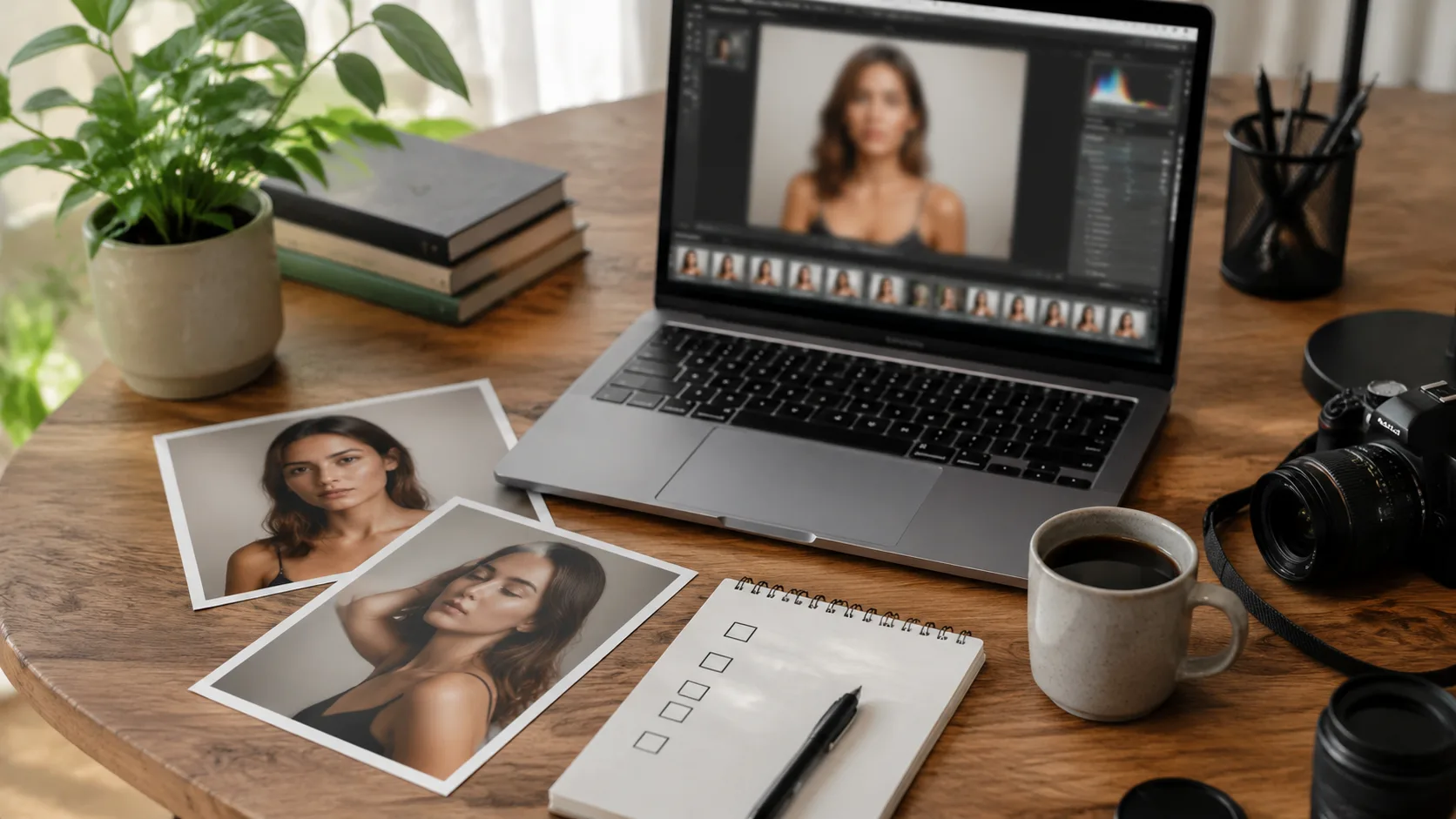
A message can be heartfelt and still feel unfinished when the image beside it is wrong. A birthday note may have the perfect line but an awkward photo. A reunion post may need a cleaner portrait. A small business campaign may need a quick visual draft before anyone books a shoot. That gap between the words and the image is where AI image face swap tools have started to become useful.
Face swapping used to be treated mostly as a joke format. People used it for memes, celebrity edits, and quick visual tricks. That still exists, of course. But the more practical use is quieter: testing a photo idea, building a personal greeting, creating a mockup, or fixing a visual concept before spending more time on manual editing.
The best results do not come from asking AI to invent a whole identity from nothing. They come from giving the tool clear source material and a clear purpose. A source face, a target image, and a good sense of where the final image will be used are still the starting points. The technology has improved, but the human decision is what keeps the output useful.
Why visual messages now need faster drafts
People create more personal visuals than they used to. A family member wants a birthday collage. A friend group wants a funny event poster. A creator wants a thumbnail that feels expressive without scheduling a new shoot. A local business wants to test a campaign image before asking the team to approve a budget.
In all of those cases, the message matters, but the image often decides whether someone stops scrolling. A polished caption can be ignored if the visual feels random. A simple visual can carry the emotion of a message if the face, expression, and setting fit the moment.
This is why AI editing tools are becoming part of everyday content work. The most useful platforms now place video generation, image editing, face swap, head swap, body swap, and related creative tools in one browser-based workflow. That matters for people who do not want to jump between a heavy editor, a phone app, and a folder of half-finished exports.
The appeal is not that AI removes all effort. It removes some of the slow setup. Instead of opening a complex editing suite just to test whether an idea works, a creator can make a draft, compare a few versions, and decide whether the concept deserves more time.
What image face swap actually changes
An AI image face swap tool replaces the face in one photo with a face from another photo. The useful part is not only the replacement. A good tool also tries to read the target image’s context: head angle, expression, lighting, shadows, and the surrounding background. When the source and target images are compatible, the result can feel like a believable draft rather than a flat sticker placed over a face.
That makes it practical for simple personal storytelling. Someone planning a surprise party can test a playful poster. A creator can see which expression suits a thumbnail. A photographer can prepare a rough concept before retouching. A marketing team can show a campaign direction without asking everyone to sit for new photos immediately.
It also helps people separate the idea from the final production step. You may not know whether a warm portrait, a group shot, or a stylized image will fit a message until you see it. AI face swap gives you a quick way to test that choice.
A platform like iMideo is useful in that planning stage because the same workspace can support several kinds of visual drafts. A creator may start with a face swap, move into a head or body swap if the concept needs a wider change, then use video or image tools when the idea becomes more ambitious. Keeping those tests close together makes comparison easier.
The emotional use case is easy to underestimate
On a site full of wishes, prayers, and personal messages, it is worth saying this plainly: images carry emotional weight. A message for a parent, partner, friend, or coworker feels different when the image feels personal. Even when the words are the main point, the image frames the tone.
That does not mean every message needs a hyper-polished graphic. Most do not. A clean, familiar, sincere visual is usually better than something that looks overproduced. Face swap can help when the available photo is close but not quite right. Maybe the setting works but the expression does not. Maybe the pose works but the person wants to test a different look. Maybe the image is only a draft for a private card or internal campaign.
The strongest use cases are not deceptive. They are collaborative. A person knows their photo is being used, approves the style, and understands where the image will appear. In that context, AI becomes a drafting tool, not a trick.
Good input photos still matter
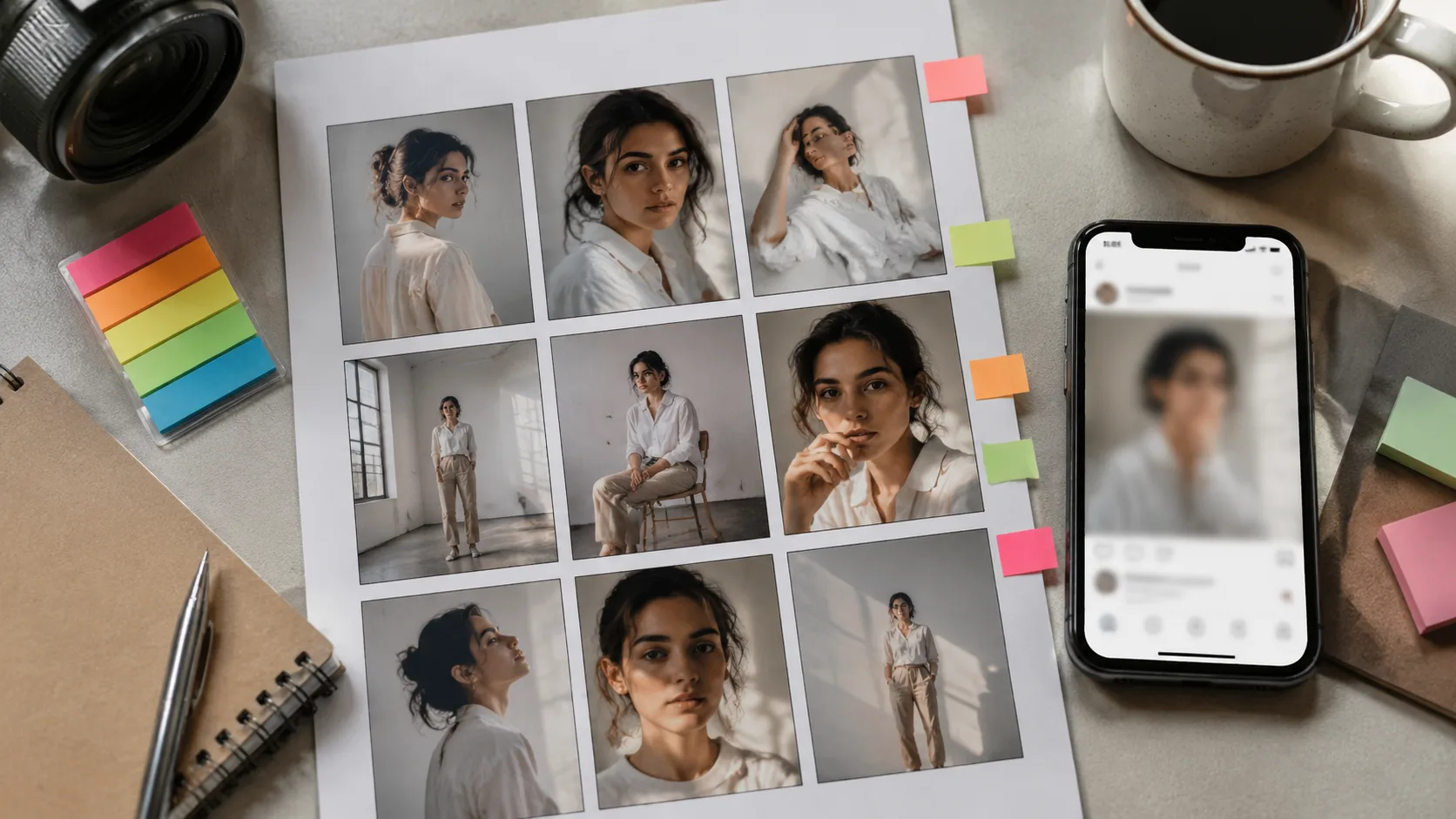
The simplest way to improve a face swap is to start with better photos. Clear, well-lit faces work better than blurry screenshots. Similar angles work better than extreme mismatches. A face looking forward will usually transfer more cleanly than a face turned sharply away from the camera.
Lighting is another big factor. If the source face is lit from the left and the target photo is lit from the right, the tool has more work to do. If one image is sharp and the other is soft, the result may feel uneven. AI can adapt lighting and expression, but it is not magic. It still has to work with the information in the two images.
For people who want a browser workflow, a good face swap process should feel direct: upload a source face image, upload a target image, generate the swap, then review the result. Support for common image formats such as JPG, JPEG, PNG, and WEBP also matters because most people are working with photos from phones, cameras, and web exports.
That workflow sounds simple because it should be simple. The creative decision is not the upload button. The creative decision is whether the final image fits the message you are trying to send.
Consent is part of the workflow
Face swap tools sit close to identity. That makes consent more than a legal footnote. It is part of the creative process. If the person in the image is real, ask whether the edit is okay. If the image will be public, be clearer still. A private joke between friends is not the same thing as a sponsored post, a campaign graphic, or an edited image that could confuse viewers.
There is also a difference between playful transformation and misleading representation. A birthday card that everyone understands as a joke is one thing. A fake endorsement is another. A private draft for a photo direction is one thing. A public image that suggests someone attended an event they never attended is another.
The better habit is simple: use real permission, keep context honest, and avoid edits that could damage someone’s reputation or privacy. That habit protects the subject, the creator, and the audience.
Where creators can use face swap responsibly
One useful scenario is concept testing. A creator might prepare three thumbnail directions before choosing one for a video. Instead of reshooting, they can test expression and composition first. If one version clearly works, they can recreate it properly or polish it with manual edits.
Another scenario is personal event design. Families and friend groups often create digital cards, invitations, reunion posts, or celebration graphics. Face swap can help build a playful mockup, especially when older photos are incomplete or when the group wants to preview a theme before choosing final pictures.
That is the role of this AI image face swap tool: it gives creators a fast way to test whether a face, expression, and target image belong together before they commit to a final design. It is best treated as a drafting step, followed by review, permission, and final polish when the image will be shared publicly.
Small teams can also use it for early campaign drafts. A local studio, nonprofit, school group, or event organizer may not have the budget to produce a full shoot for every idea. AI mockups let them compare options before spending money. The final approved version may still need professional photos, but the planning stage becomes faster.
There is a practical benefit here: fewer unfinished ideas. Many visual concepts die because the first draft takes too long. When the first draft is quick, people are more willing to explore, reject, adjust, and improve.
What to check before sharing the final image
Before using any face-swapped image, zoom in. Look at the edges around the jaw, hairline, ears, glasses, and facial hair. Check whether the skin tone and shadows feel consistent. Look for odd teeth, mismatched eyes, or a face that seems sharper than the rest of the image.
Then step back from the technical details and ask a simpler question: does this image feel honest in context? If the answer is no, do not share it. If the answer is almost, try a better source image, a closer angle, or a target photo with more compatible lighting.
For social posts and personal messages, the image does not need to be flawless. It needs to feel intentional, respectful, and clear. A slightly imperfect private draft is fine. A public image tied to someone’s identity deserves more care.
A simple checklist for better results
Start with a clear source face. Use a photo where the face is visible, well lit, and not heavily covered. Choose a target image with a similar head angle if possible. Avoid mixing a low-resolution source with a high-resolution target. Keep the first edit private until the subject has approved it.
Make more than one version. The first result may be usable, but small changes in source photo, expression, or target pose can make a big difference. Compare outputs side by side. The best version is often the one that feels least noticeable.
Finally, match the image to the message. A funny greeting can use a playful edit. A professional announcement needs restraint. A personal tribute should avoid anything that feels artificial or disrespectful. The technology may be new, but the judgment is old-fashioned: know your audience, know your subject, and do not let the effect overpower the feeling.
The point is not perfection
AI image face swap tools are most useful when they help people move from a vague idea to a visible draft. They can make personal cards more expressive, social posts easier to test, and campaign concepts quicker to review. They are not a replacement for taste, consent, or final quality control.
That balance is what makes the tool practical. Used carelessly, face swap can feel cheap or misleading. Used with permission and a clear purpose, it can help a message find the right visual form faster. For anyone who creates personal stories, greetings, or social content, that speed can be the difference between an idea that stays in your head and an image people actually see.
